Invite drivers and engineers
Drivers and engineers join your team through an invite link. You generate one URL per team and share it however you want — Discord, text, email.
Generate the invite link
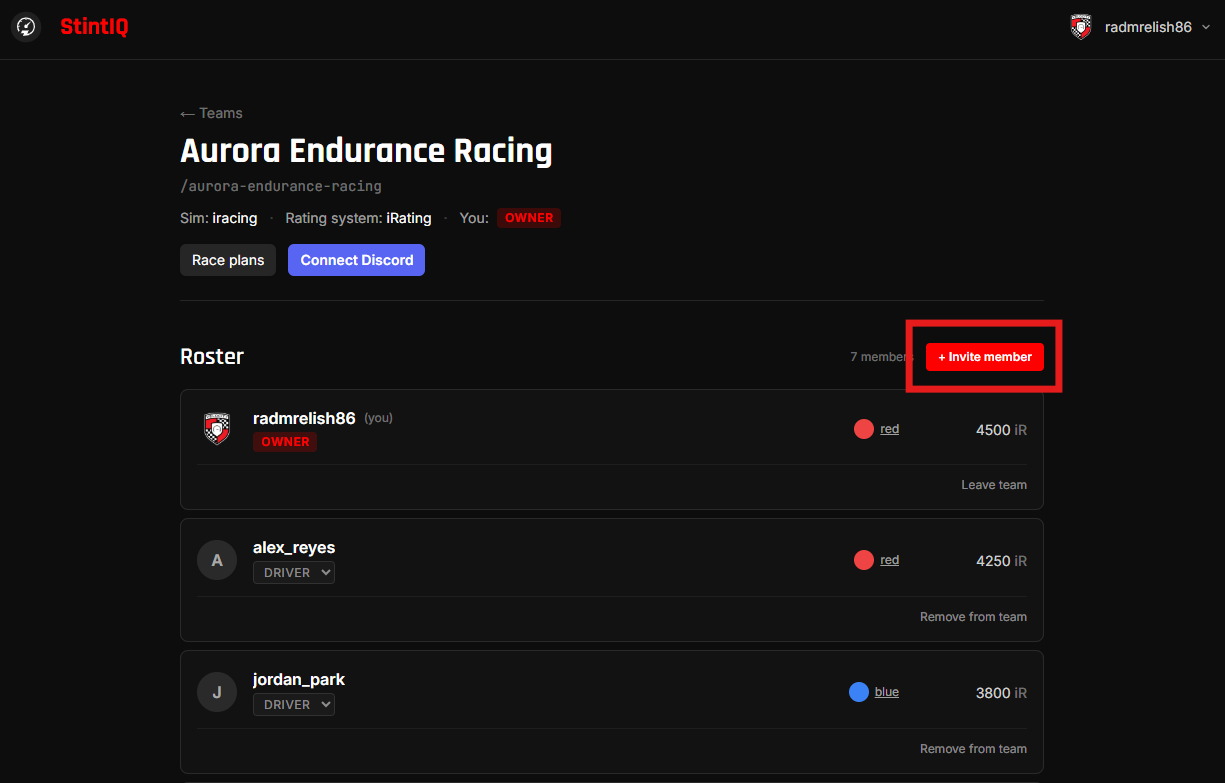
From your team detail page, click + Invite member (Owner or Admin only).
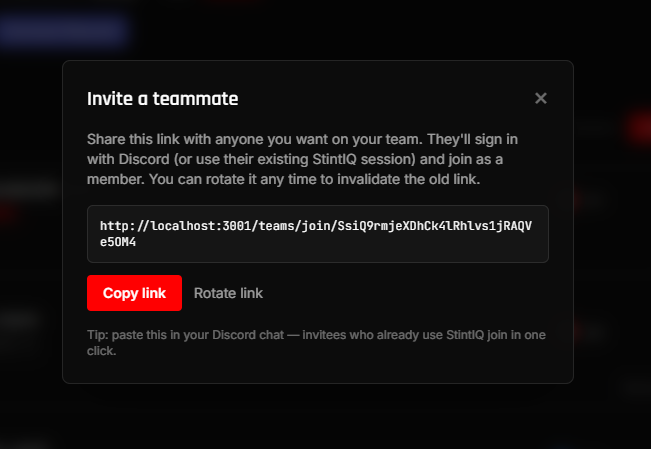
A modal pops open and auto-mints an invite link the first time you open it. The URL looks like:
https://stintiq.app/teams/join/abc123...
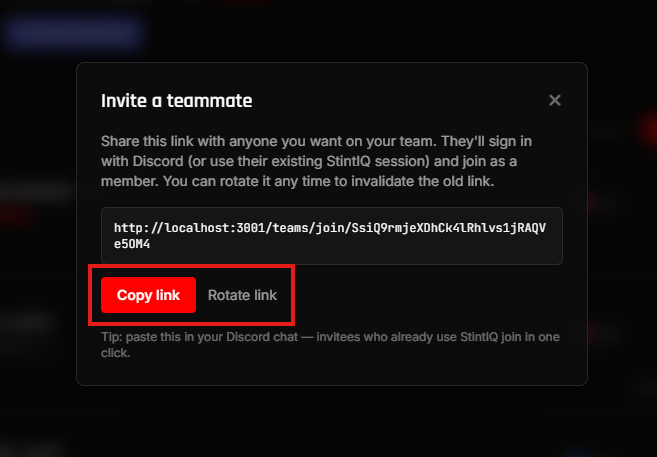
Click Copy to grab it. Then paste it wherever you want — your team's Discord channel, a DM, etc.
Share the link
Anyone who clicks the link and signs in with Discord can join. They land on the team's invite preview page, see the team name and member count, click Join team, and they're in.
The link doesn't expire. The same URL works for all teammates — one link per team.
Rotate or revoke
If the wrong person gets the link, or you want a fresh URL:
- Rotate mints a new token. The old URL stops working immediately.
- Disconnect invalidates the link without minting a new one. Re-open the modal later to mint a fresh URL.
After they join
New teammates appear in your roster with the Driver badge. From there you can:
- Promote a Driver to Admin or Owner — Click the role badge on their roster row.
- Set or override their color — Pick from the 14-color palette so the stint builder shows them with a distinct accent.
- Set their skill rating — Optional; helps you see at a glance who the experienced wheels are.
Drivers can also set their own color and skill rating from the team page.
Remove a member
Click Remove on a roster row to take someone off the team. They lose access to plans + stints + availability immediately. The last owner on a team can't be removed — promote another owner first if you're handing off the team.
Next steps
- Connect to Discord — Wire up Discord so race-day DMs reach your drivers.
- Run race day — Race-day checklist.
Have questions? Join our Discord →