Set your preferences
Once you're on a team, tell your captain what kinds of stints you're OK with, and what timezone you live in. Captains see your preferences as badges on the roster card when they build the race plan, so the more you fill in, the better your stints fit you.
Open your profile
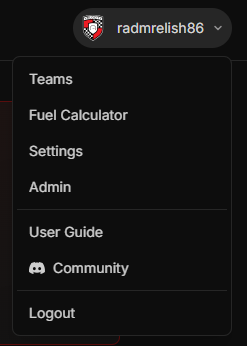
Click your avatar in the top-right of any signed-in page, then choose Settings from the menu, then Profile in the sidebar.
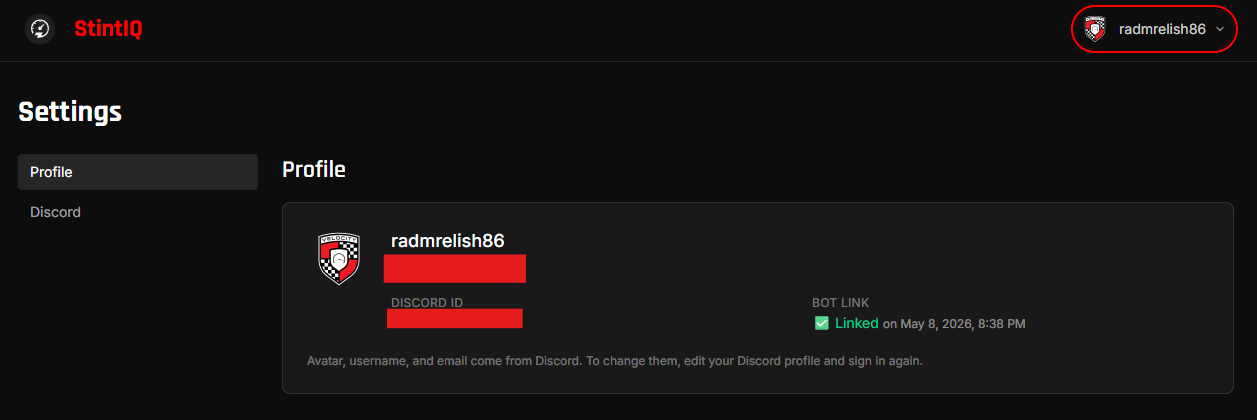
You'll land on three sections, stacked top to bottom.
Identity
The top card shows your Discord avatar, username, email, and whether your Discord account is linked to the StintIQ bot. These all come from Discord — to change your avatar or username, edit your Discord profile and sign in again. StintIQ doesn't store passwords.
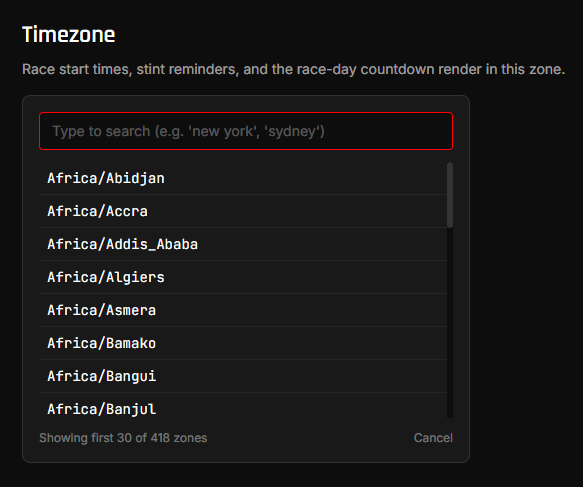
Timezone
Race start times, stint reminders, and the race-day countdown all render in this zone. We auto-detect your browser's timezone on first login — if it's right, leave it alone. If you're on a borrowed laptop or a VPN, click Change to pick a different zone by typing (e.g. "syd" filters to Australian zones).
Stint preferences
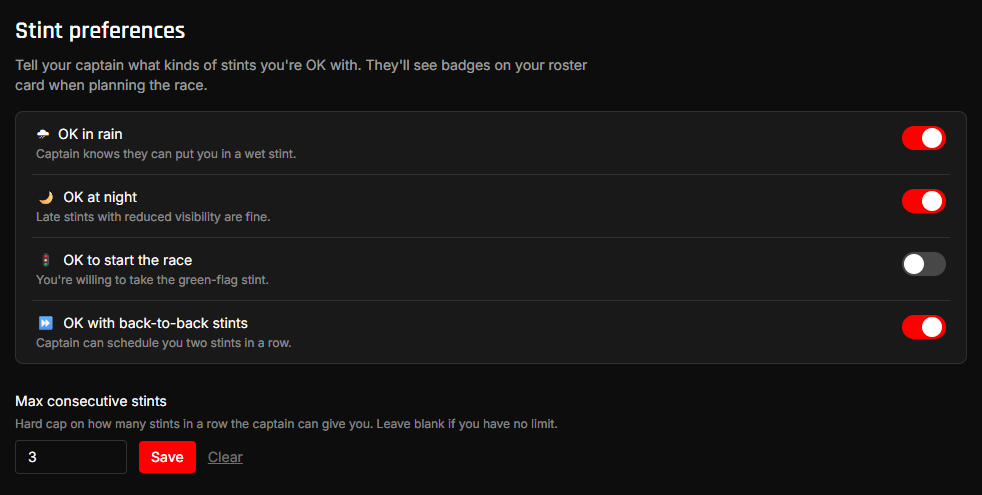
Four toggles tell your captain what kinds of stints you're OK with:
- 🌧 OK in rain — captain can put you in a wet stint without asking.
- 🌙 OK at night — late stints with reduced visibility are fine.
- 🚦 OK to start the race — you'll take the green-flag stint.
- ⏩ OK with back-to-back stints — captain can schedule you two stints in a row.
Each toggle saves the moment you flip it — no Save button needed.
Below the toggles, there's a Max consecutive stints number. Use this if you have a hard cap (e.g. "never more than 3 stints in a row"). Leave it blank if you have no limit.
Calendar feed
Never wonder "wait, when am I driving?" again. The Calendar feed section gives you a private link you can subscribe to in Google Calendar, Apple Calendar, or Outlook. Every stint you're assigned to — as driver, backup, or engineer — shows up as an event, and it keeps updating on its own when your captain re-plans.
Click Subscribe to my stints to generate your link, then copy it into your calendar app:
- Google Calendar: Other calendars → + → From URL, paste the link.
- Apple Calendar: File → New Calendar Subscription, paste the link.
- Outlook: Add calendar → Subscribe from web, paste the link.
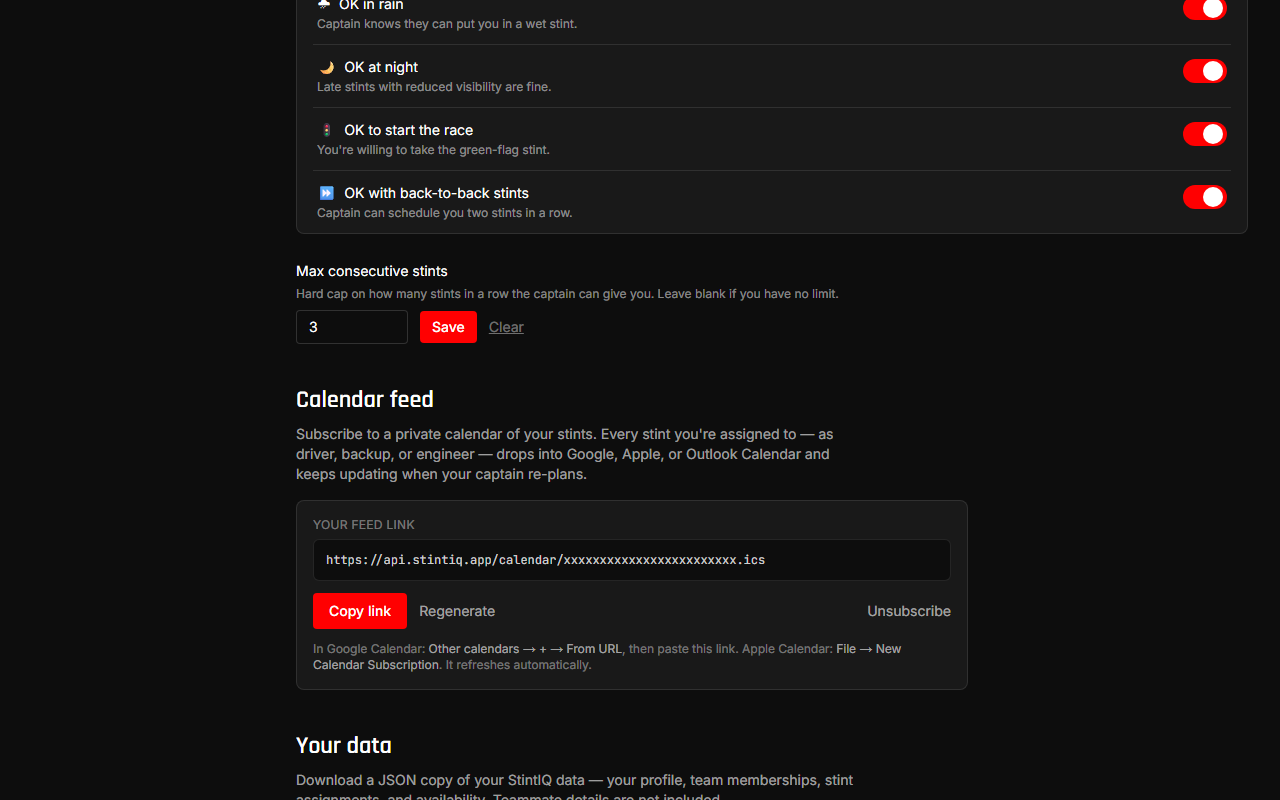
Your feed covers every team you're on, so one subscription answers "when am I driving?" across all your racing. Backup and engineer assignments are labelled so you can tell "I'm driving this" from "I'm on standby for this." Only upcoming stints appear — finished ones drop off automatically.
The link is a private key to your schedule, so don't share it. If it ever leaks, hit Regenerate to swap in a fresh link (the old one stops working immediately), or Unsubscribe to turn the feed off entirely.
What your captain sees
When your captain opens the race plan builder, your roster card shows a row of small badges for every preference you turned on. They use those badges to assign stints that match your prefs first. Anything you leave off (or leave at the default) is silently treated as "no opinion."
Your preferences are visible to your team only — they don't appear on public share links or anywhere outside the team's plan-builder view.
Have questions? Join our Discord →